
Learning management system CANVAS
The SCK CEN Academy uses a registration and participant management system Eduframe. In addition, we have implemented a Learning Management System (LMS), called CANVAS. Below you will find the necessary steps for registration, as well as other features of our LMS.
Registration in courses and events
1) Go to the calendar of the website of SCK CEN, choose the event and click on ‘Register’. Customers who have a tailor-made programme will receive a customized (private) registration link from the SCK CEN Academy
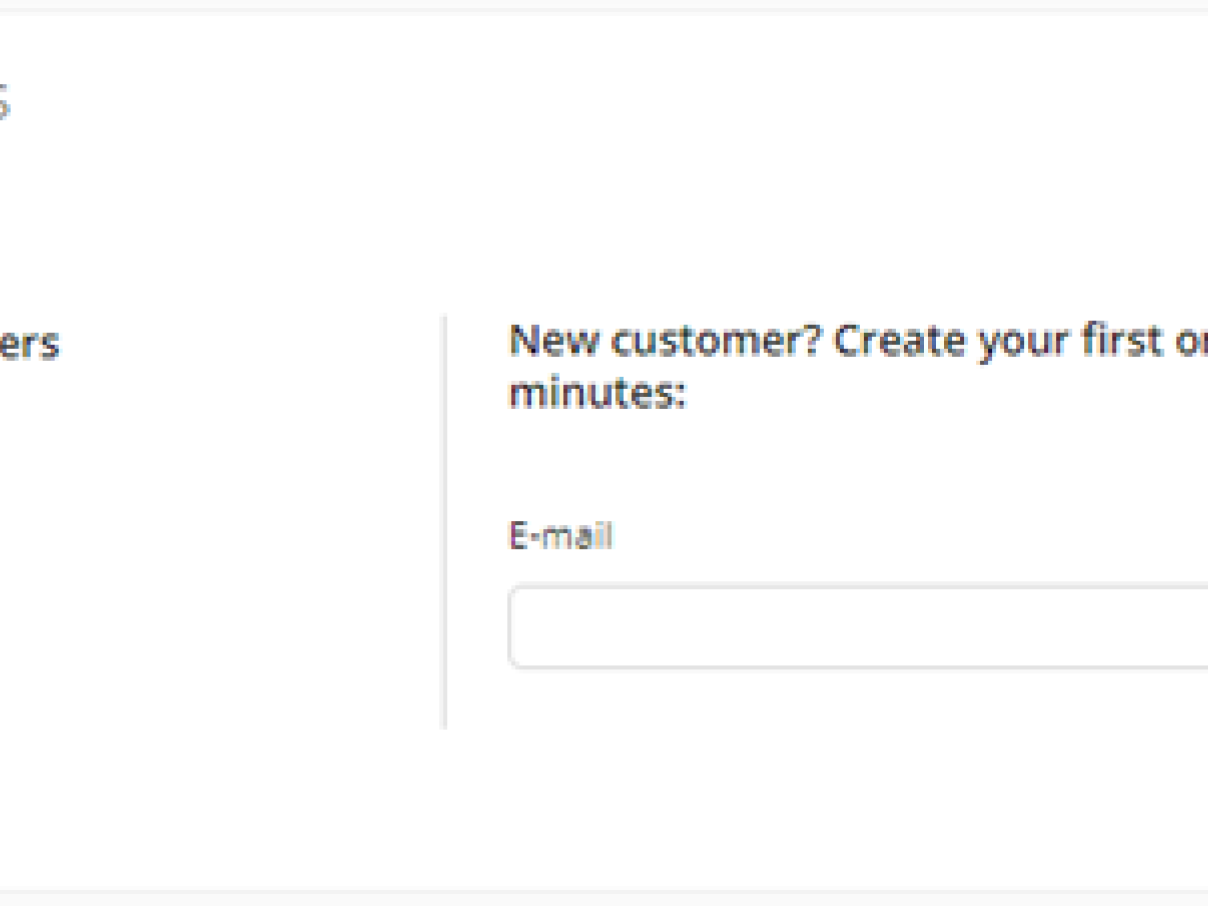
2) In the registration portal, choose ‘new customer’ or click ‘go to login’ as an ‘existing customer’ if you have registered since 2025 for another course/event organized by the SCK CEN Academy.
3) In the order details, choose ‘personal’ if you would like to get an invoice on your personal address. Choose ‘organisation’ if you would like to insert company details for invoicing. SCK CEN will always send an invoice.
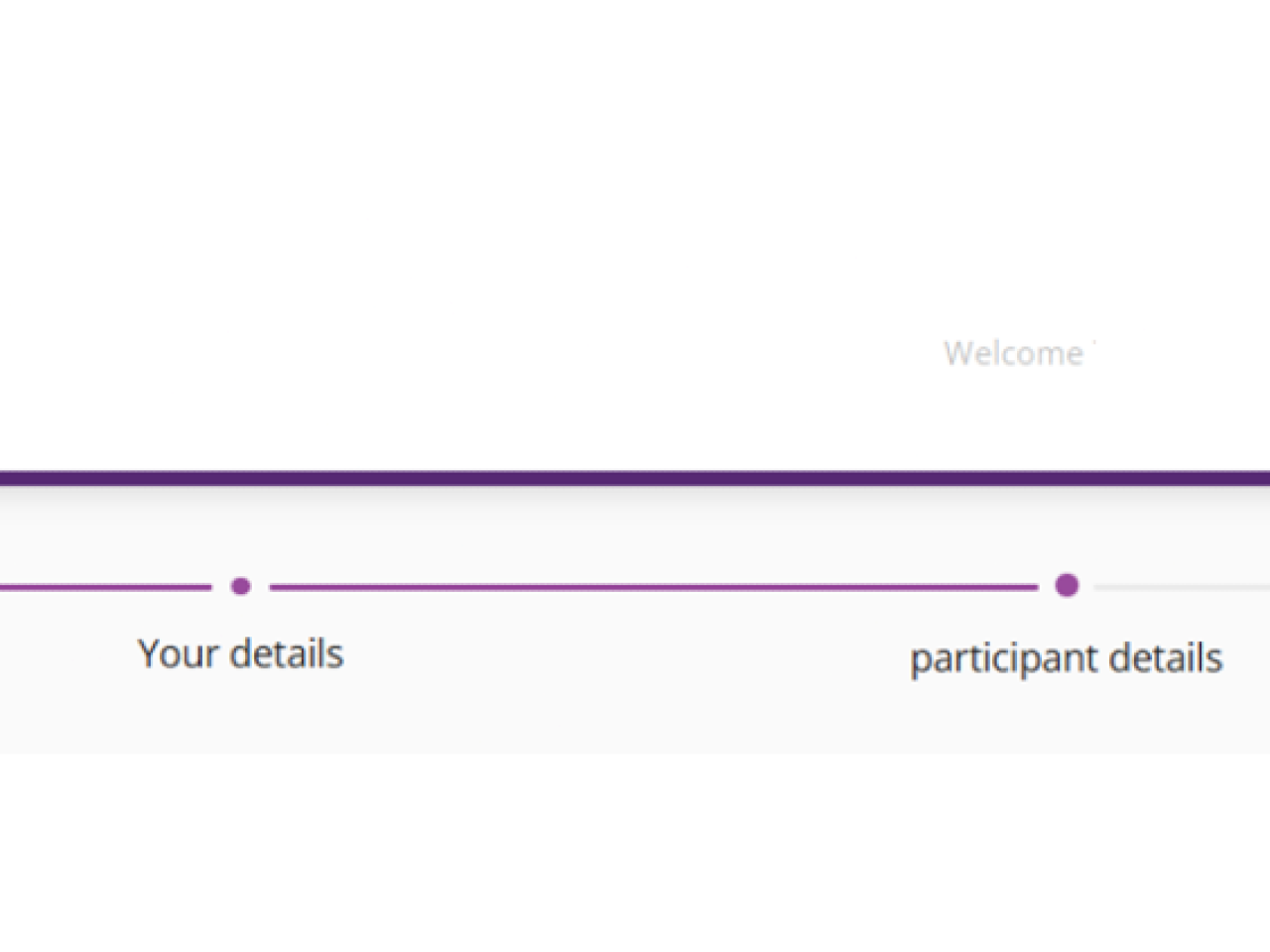
4) In the participant details’ section, you can insert information about the participants. It is possible to create and register additional participants as long as they are unknown to the system. If they are recognized (via their email address), it is recommended that they do the registration via their own account. If you are acting on behalf of an organization, please contact us via academy [at] sckcen [dot] be (academy[at]sckcen[dot]be) so that we can enable more features and assign you as a ‘key contact’ in the system*.
5) Go to the next step (payment and confirmation) and select the preferred options. Please note that your registration requires immediate payment. Registrations without payment are invalid and will not be followed up.
Your request will then be validated internally and you will be informed about your registration as soon as possible. You have the possibility to create a personal account on our platform, which enable more features (see below) and facilitates future registrations.
*As a key contact, you are able to create, select and register multiple participants of your organization to a specific event. If you are granted with the necessary rights, click ‘register’ on the event website, choose ‘organisation’ and work from there.
Do not hesitate to contact academy [at] sckcen [dot] be (academy[at]sckcen[dot]be) for further information.
Features once you have setup your personal account
You can login onto the LMS via https://sckcen.eduframe.nl/login
Once you are logged in, you have access to
- Your past requests for registrations
- The future and past events and training courses you are registered for
- The course material and additional information related to the event
- Contact details and tools to interact with your peers and trainers
In addition, as a key contact, you have access to
- An overview of requests for registrations for every member of your company
Mobile application
The LMS CANVAS offers also a mobile application on Android or IOS.
You can login (as a one-time-action) by using the QR code generated in your personal profile (on your desktop application).
As a participant, you can view course material, check course locations, interact with your peers and trainers, and much more.
Do not hesitate to contact academy [at] sckcen [dot] be (academy[at]sckcen[dot]be) for further information.